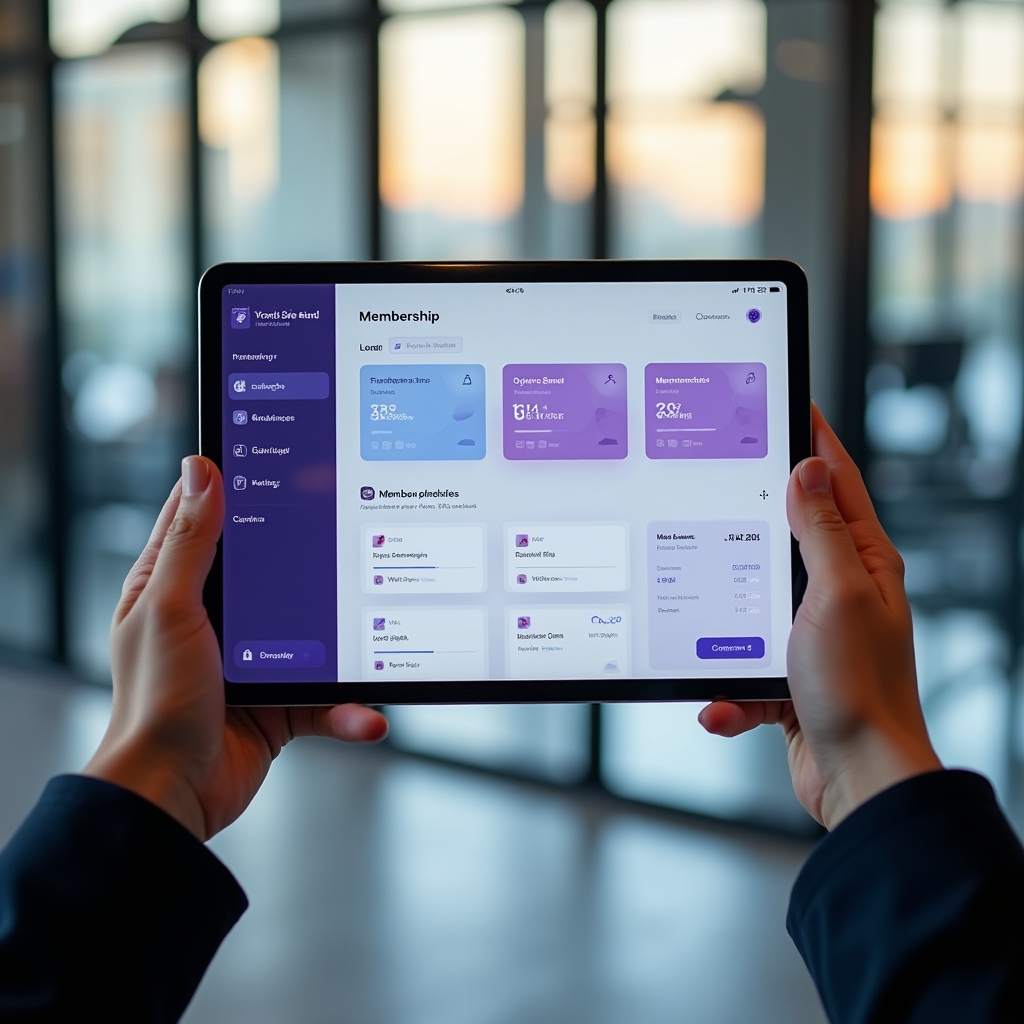

Grab the Toolkit
Here's what getting set up with Mifelu Dudozu looks like in practice, from configuration to your first member check-in.
What Happens When You Get Started
Getting a membership management platform running in your space involves a few distinct phases. Mifelu Dudozu is designed so each phase is well-defined and doesn't require technical expertise on your part. The configuration happens in plain language through the admin interface.
You'll start by defining your membership tiers. This means setting prices, billing cycles, and what access each tier includes. From there, you configure your waiver content, set up your class schedule, and install the kiosk app on a tablet at your entrance. Most spaces are operational within a few days of starting configuration.
Setup Checklist
- Define membership tiers and pricing
- Configure digital waiver content
- Connect payment processing
- Build class and resource schedule
- Install kiosk on entrance tablet
- Invite existing members to portal
- Review admin dashboard and reports
Everything in the Toolkit
The toolkit covers the full operational lifecycle of a membership-based business. These are the modules you get access to.
Member Sign-Up
A configurable sign-up flow that handles profile creation, tier selection, waiver signing, and payment capture in sequence. Works online and at a front-desk station.
Digital Waivers
Custom waiver creation and management with timestamped digital signatures. Waivers are stored per member and re-signing is prompted when content changes.
Tiered Plans
Define multiple membership tiers with individual pricing, access permissions, and billing frequencies. Members can upgrade or downgrade with mid-cycle proration handled automatically.
Automated Billing
Recurring billing with intelligent failed-payment recovery. Retry sequences, member notifications, and admin tracking all built in.
Check-In Kiosk
Tablet-based kiosk interface for front-door check-in. Supports QR codes, card scan, and PIN. Real-time attendance logging with admin visibility.
Class Booking
Member-facing class schedule with real-time availability, capacity management, waitlists, and cancellation handling. Instructor assignment tools included.
Resource Booking
Equipment, room, and facility booking calendar for shared resources. Conflict prevention and time-block management for maker spaces and multi-use studios.
Member Portal
Self-service portal where members manage bookings, review their schedule, read announcements, and update billing and profile information.
Built for a Range of Spaces
The toolkit adapts to the specific operational profile of different membership business types.
Gyms and Fitness Centers
High member volume, multiple plan tiers, and daily check-in traffic. The billing engine and kiosk system handle the volume without manual intervention. Attendance data helps with capacity planning.
Yoga and Wellness Studios
Class booking is central. The schedule management, waitlist handling, and member portal keep the booking process smooth for both members and instructors. Waiver management handles health disclosures.
Maker Spaces
Equipment reservation and safety waiver management are the priority. Members book specific tools by time block. The waiver system captures equipment-specific agreements. Access tiers control which equipment each membership level can book.
Clubs and Social Spaces
Event-based booking, member communication through the portal, and straightforward recurring billing for annual memberships. The announcement feature keeps members informed of upcoming events and schedule changes.
Questions Before You Start?
The contact page is the right place. Describe your space and what you're trying to solve, and we'll point you toward the right configuration approach.
Contact Us