
What You Get
Every module in Mifelu Dudozu is built around a specific operational need. Here's what the platform covers, in detail.
Sign-Up with Digital Waiver Integration
The sign-up flow is the first real interaction a new member has with your operation. Mifelu Dudozu makes it smooth. New members complete their profile, choose a membership tier, sign the digital waiver, and enter payment information in a single continuous process. No separate steps, no paper to follow up on.
Waivers are fully customizable. You define the content, and the platform handles delivery, signing, timestamping, and storage. Each signed waiver is permanently linked to the member record and retrievable at any time.

Tiered Membership Plans with Automated Billing
Membership businesses rarely offer just one plan. Mifelu Dudozu supports multiple tiers with distinct pricing, access rights, and billing frequencies. Each tier operates independently within the same system, so you can run a basic monthly plan, a premium annual commitment, and a drop-in punch card simultaneously without any conflict.
Billing runs automatically. When a payment fails, the platform initiates a recovery sequence. It retries the charge at defined intervals, sends the member a secure link to update their payment method, and tracks the entire recovery attempt in your admin view. Access can be configured to continue or pause depending on your policy.

Check-In Kiosk and Attendance Tracking
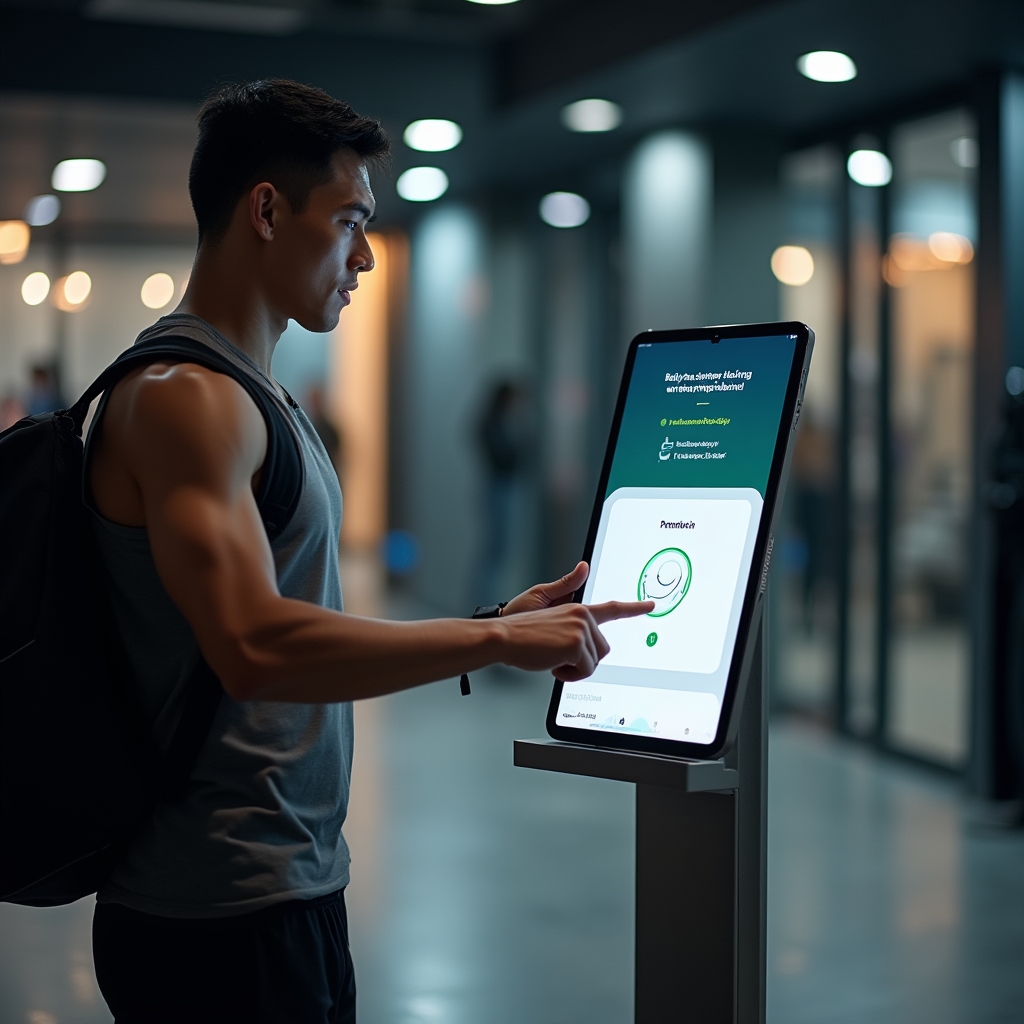
The check-in kiosk runs on a tablet at your entrance. Members present a QR code from their phone, tap a card, or enter a PIN. The system validates their membership status in real time and logs the visit. The whole interaction takes under ten seconds.
Every check-in is recorded with a timestamp and linked to the member record. Over time, this builds attendance data you can actually use. See visit frequency patterns, peak hours, and class attendance rates. Identify members whose visit frequency has dropped before they cancel.
Class and Resource Booking
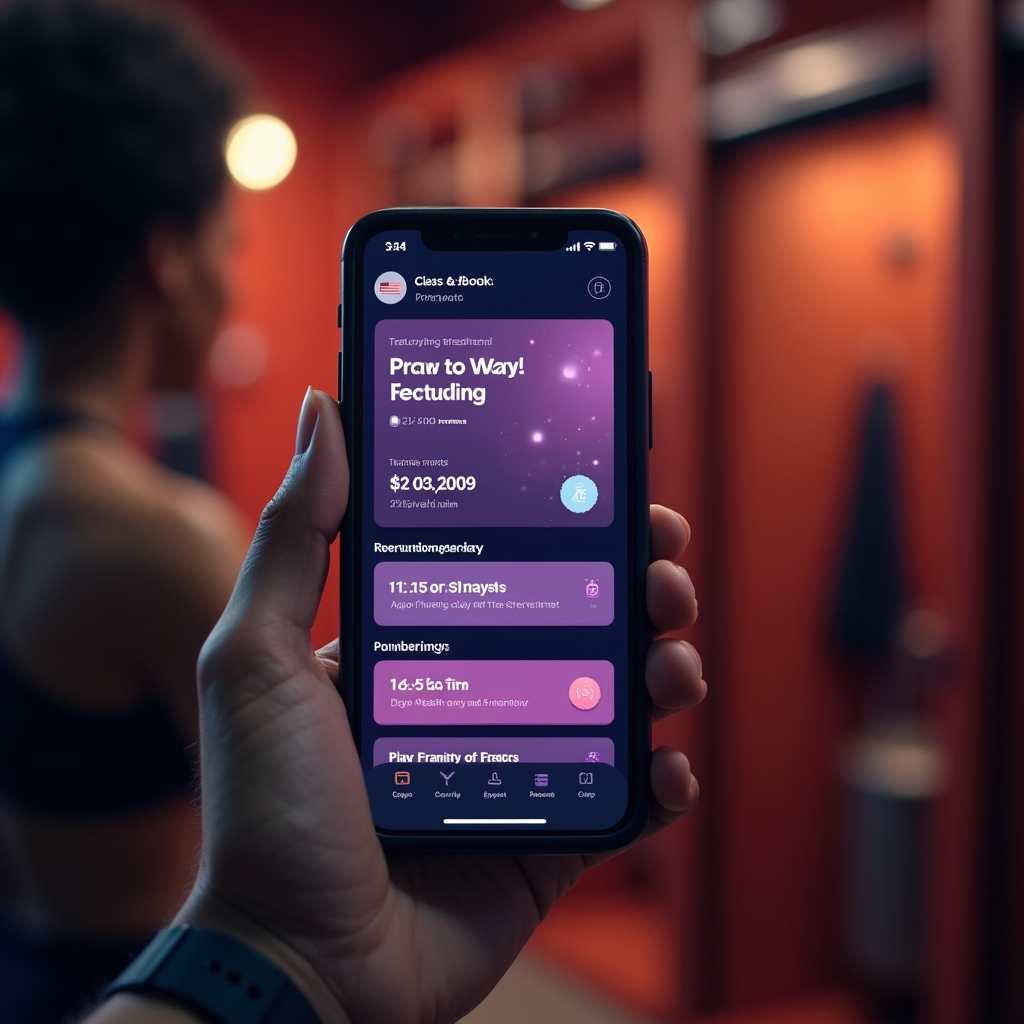
Members can browse the class schedule, see available spots, and book their place in a few taps. The system tracks capacity and closes booking when a class is full. Cancellations reopen spots automatically. Waitlists are maintained in order and members are notified when a spot opens.
Resource booking works the same way for shared equipment, studio spaces, or specialty tools. A maker space member can reserve the laser cutter for a two-hour window. A yoga studio can let members book the private practice room. Conflicts are prevented at the system level.

Member Portal with Announcements and Schedule
The member portal is where members manage their relationship with your space. They see their upcoming bookings, review the current schedule, check their billing status, and read announcements you've posted. It's a single destination for everything they need to know about their membership.
When you make a schedule change or have an important announcement, it appears in the portal immediately. Members who check the portal regularly stay informed without needing a separate email campaign for every update.
Explore How These Features Work Together
The real value of Mifelu Dudozu is in how the modules connect. Billing informs access. Check-in informs attendance. Booking informs capacity. See the full toolkit.